Mtk Client Gui 20 -
Discover who unfollowed you, manage your connections, and grow your audience with powerful analytics and automated tools
Discover who unfollowed you, manage your connections, and grow your audience with powerful analytics and automated tools
: USB timing or driver conflict. Fix :
The "20" in the name typically denotes build version 2.0, marking a departure from earlier experimental UIs toward a production-ready tool.
Establishing a connection requires forcing the MediaTek system-on-chip into its low-level hardware Bootrom stage. the targeted phone completely. Press and hold down Volume Up + Volume Down simultaneously.
Using the MTK Client GUI 2.0 is relatively straightforward. Here's a step-by-step guide: mtk client gui 20
: Always create a full backup of your device's partitions before attempting any write operations to avoid bricking.
Allows users to perform, for example, an FRP bypass with just a few clicks. Pre-requisites for Using MTK Client GUI 2.0
Access the "Advanced Tools" menu to manage storage partitions precisely—useful when you want to keep specific configurations while refreshing the system. : USB timing or driver conflict
user wants a long article about "mtk client gui 20". This seems to be a specific tool related to MediaTek devices, likely for flashing, unlocking bootloaders, or bypassing FRP (Factory Reset Protection). I need to gather comprehensive information. I'll search for this specific tool, its features, related concepts like SP Flash Tool and MTK bypass utility, and also check for any recent updates or tutorials. search results provide a variety of sources. I will open the most relevant ones to gather detailed information. search results provide a wealth of information about mtkclient-gui. I will structure the article with an introduction, core features, installation guide, operational tutorial, common issues, comparison with alternatives, and a conclusion. I will cite the sources appropriately. MTK Client GUI 20: The Complete Guide to Unlocking and Repairing MediaTek Devices
Before you start, you need to prepare your Windows environment. The tool relies on specific drivers to talk to your phone in "BROM" or "Preloader" mode.
If you have ever tried to root or unbrick a MediaTek-powered phone, you know the command line can be intimidating. Enter , a powerful wrapper for the bkerler/mtkclient utility. It brings "one-click" simplicity to deep-level device exploitation. Key Features of the 2.x Series the targeted phone completely
: Includes modern chips like MT6781, MT6789, MT6855, MT6886, MT6895, MT6983, and MT8985 . These often require a signed "loader" file to function correctly. Installation and Setup Guide
MTKClient is cross-platform but requires several dependencies to function correctly on Windows or Linux: Python 3.8+ : Essential for running the core script. : Windows users must install the
: Select the desired task (e.g., "Read Partition") and click "Start."
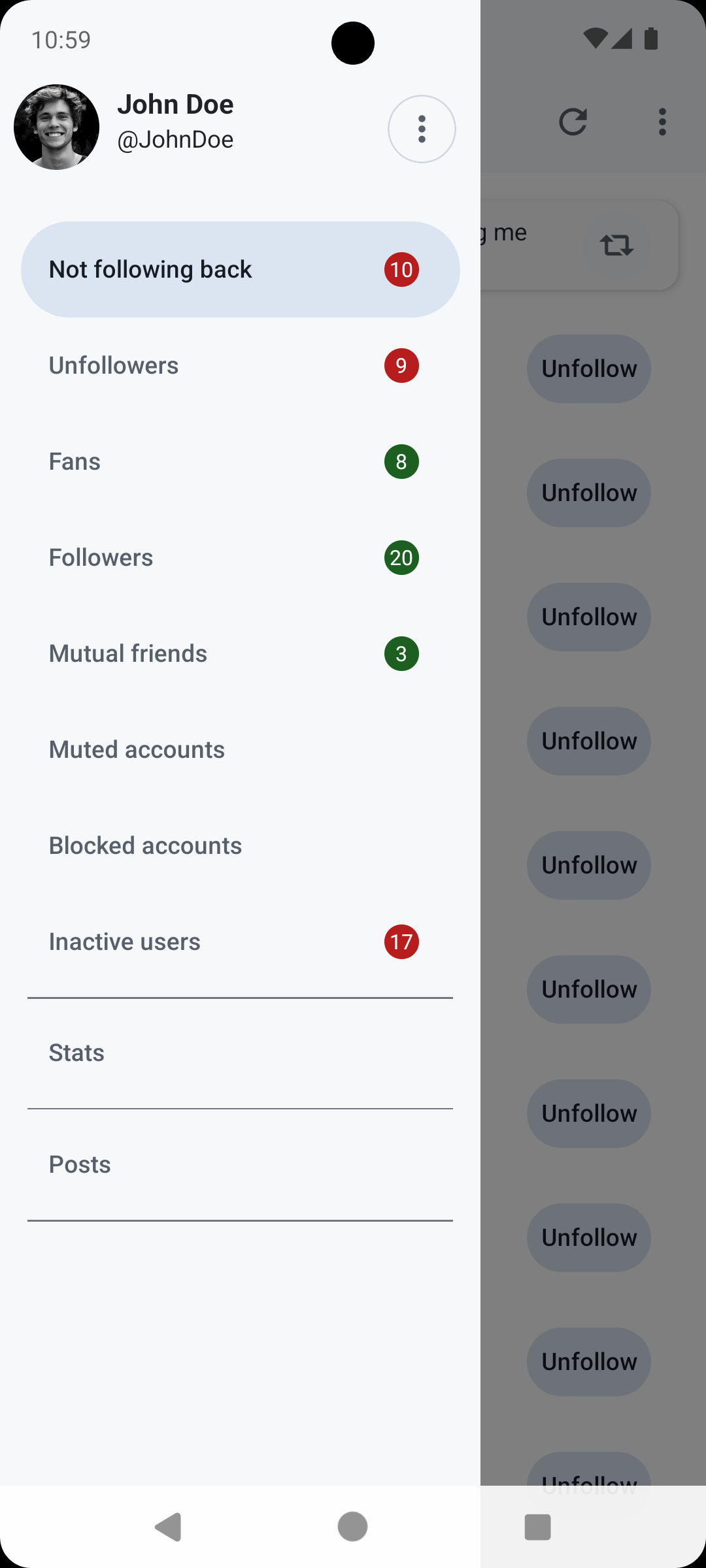
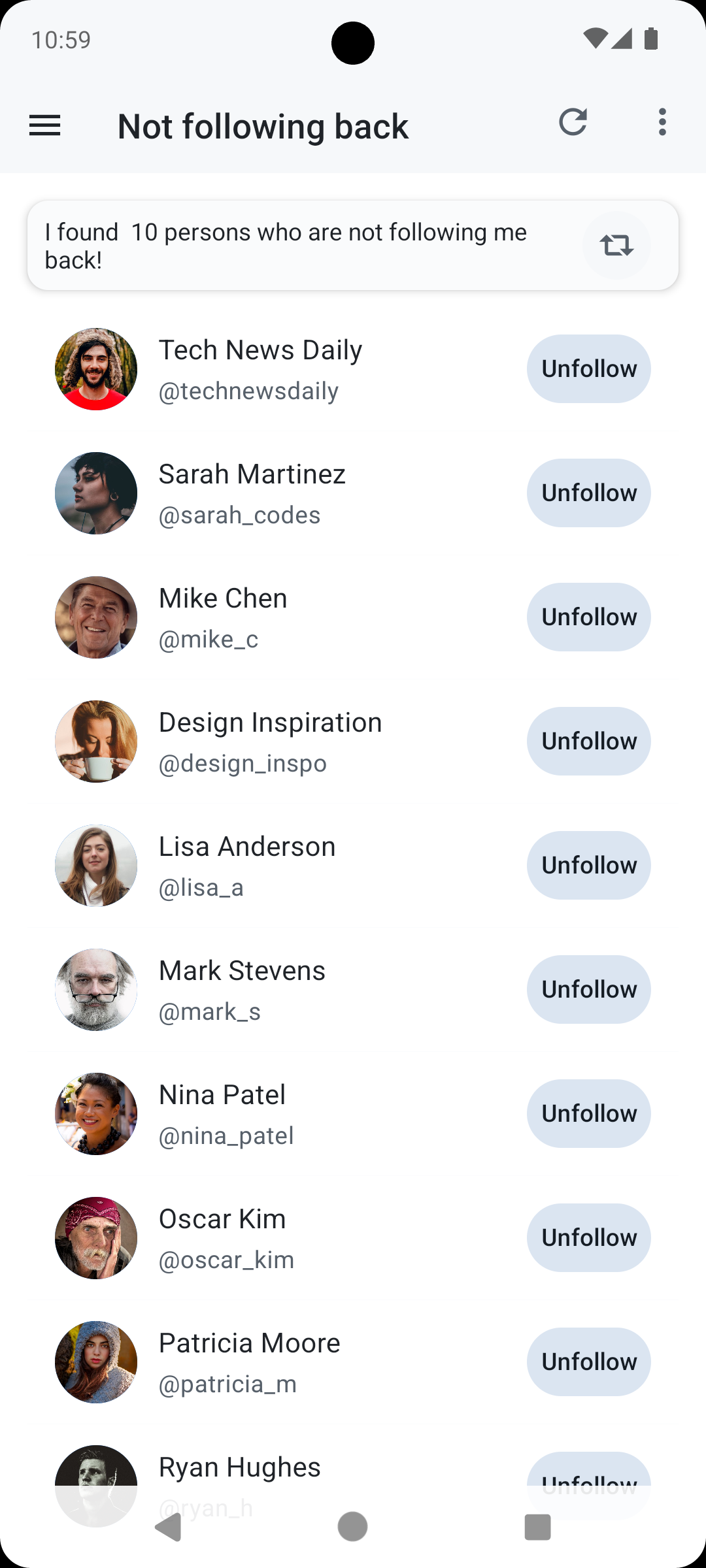
Download Unfollow Today on iOS or Android. Connect your X/Twitter account and the app will instantly show you who unfollowed you, with dates and details.
Yes, Unfollow Today is 100% free. All features including unfollower tracking, analytics, and notifications are available at no cost.
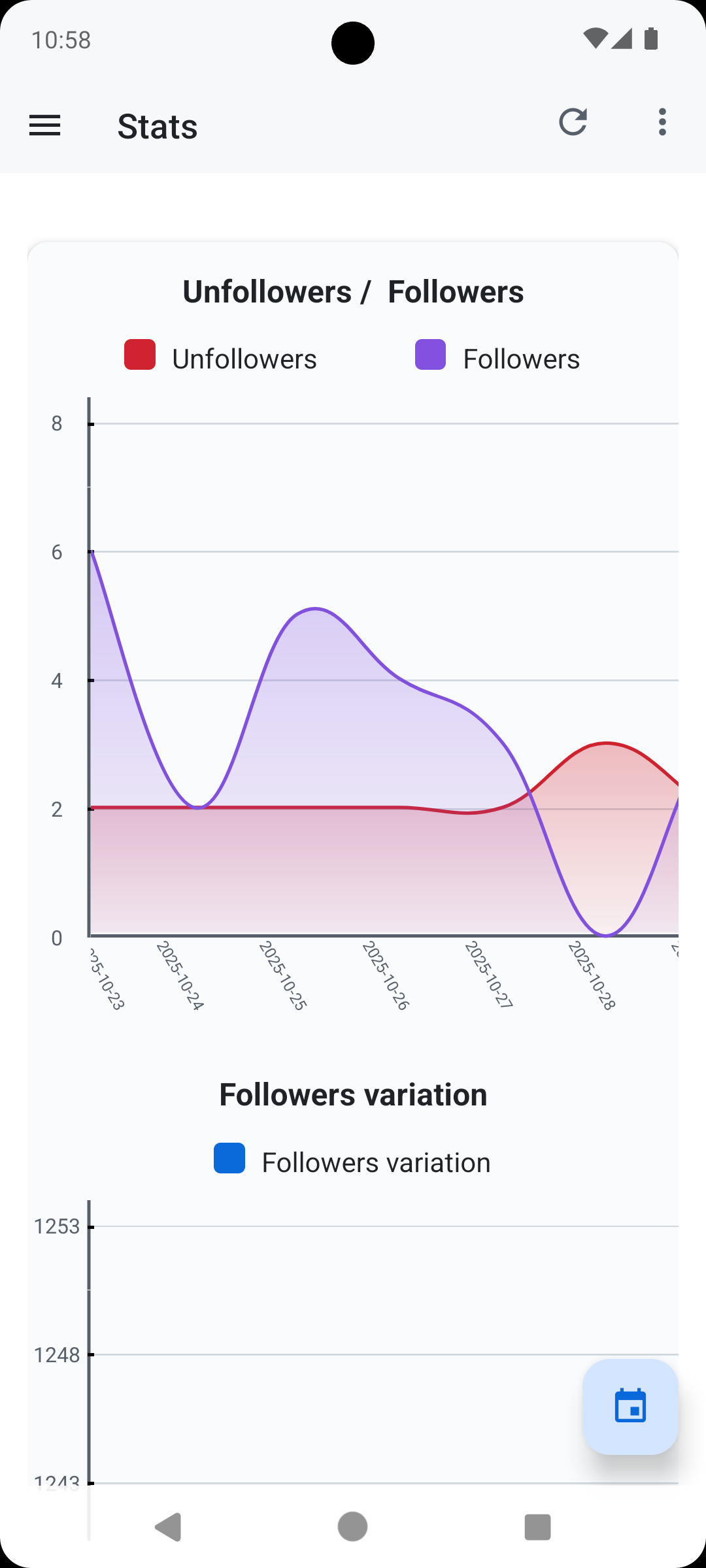
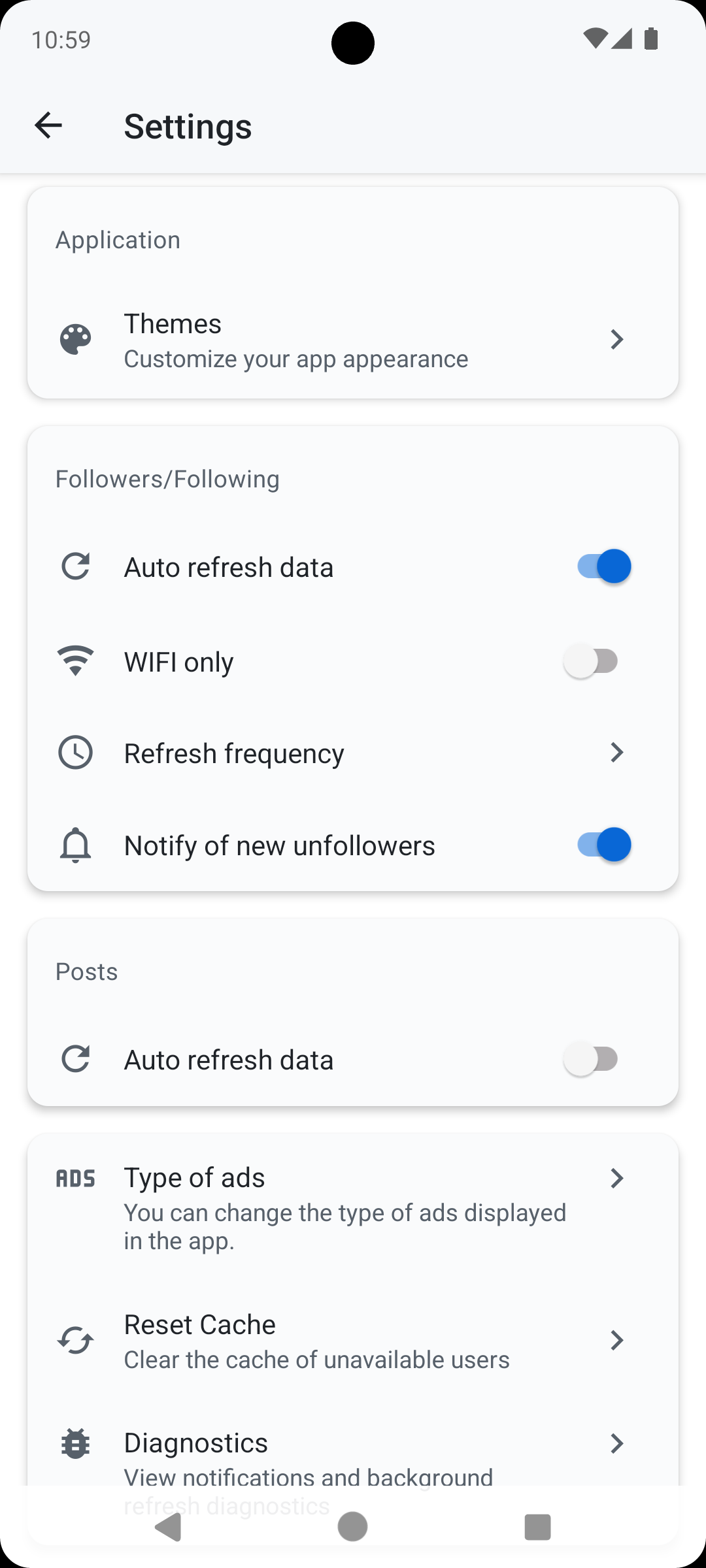
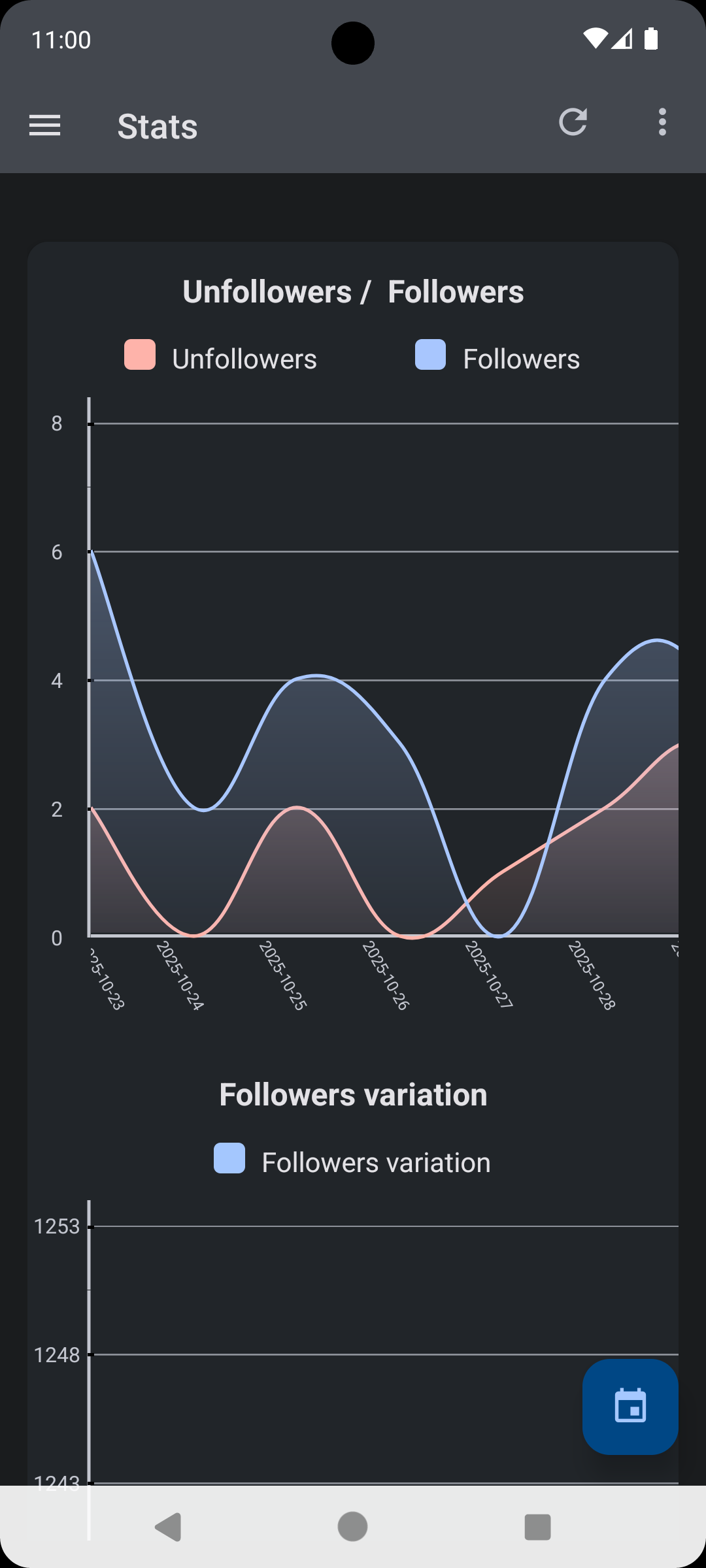
Unfollow Today compares your follower list over time. When someone unfollows you, the app detects the change and notifies you immediately with push notifications.
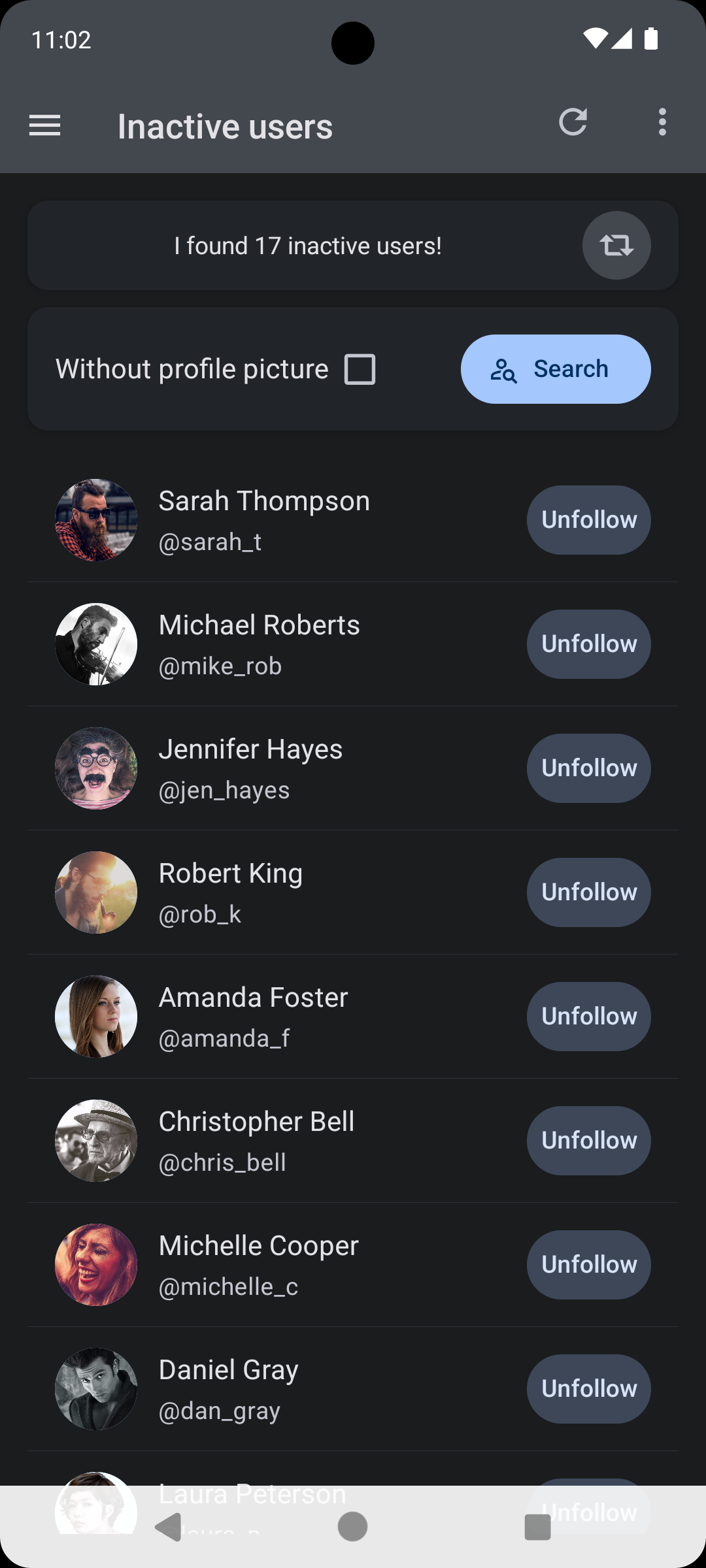
Yes, Unfollow Today detects accounts that haven't posted in over 30 days. You can easily identify and unfollow inactive users to clean up your following list.
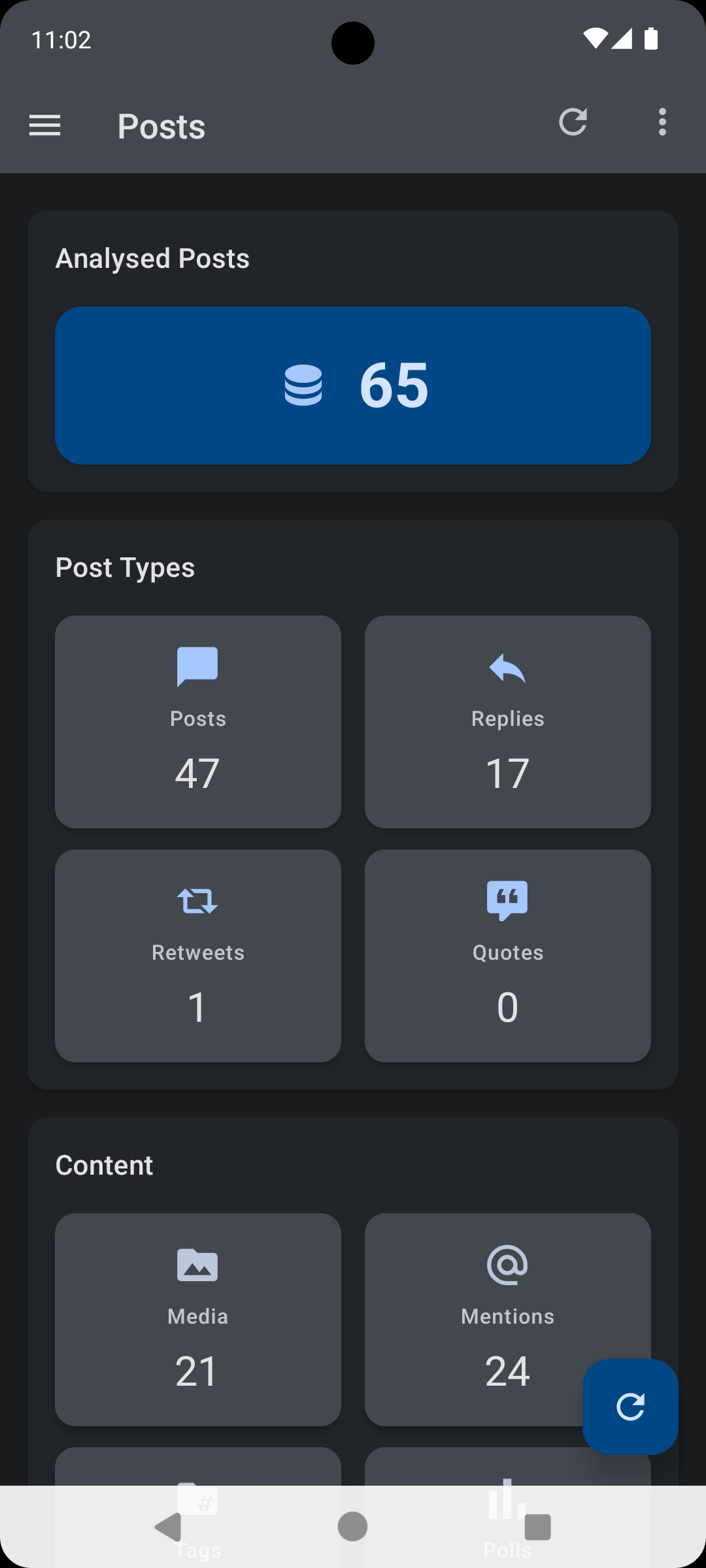
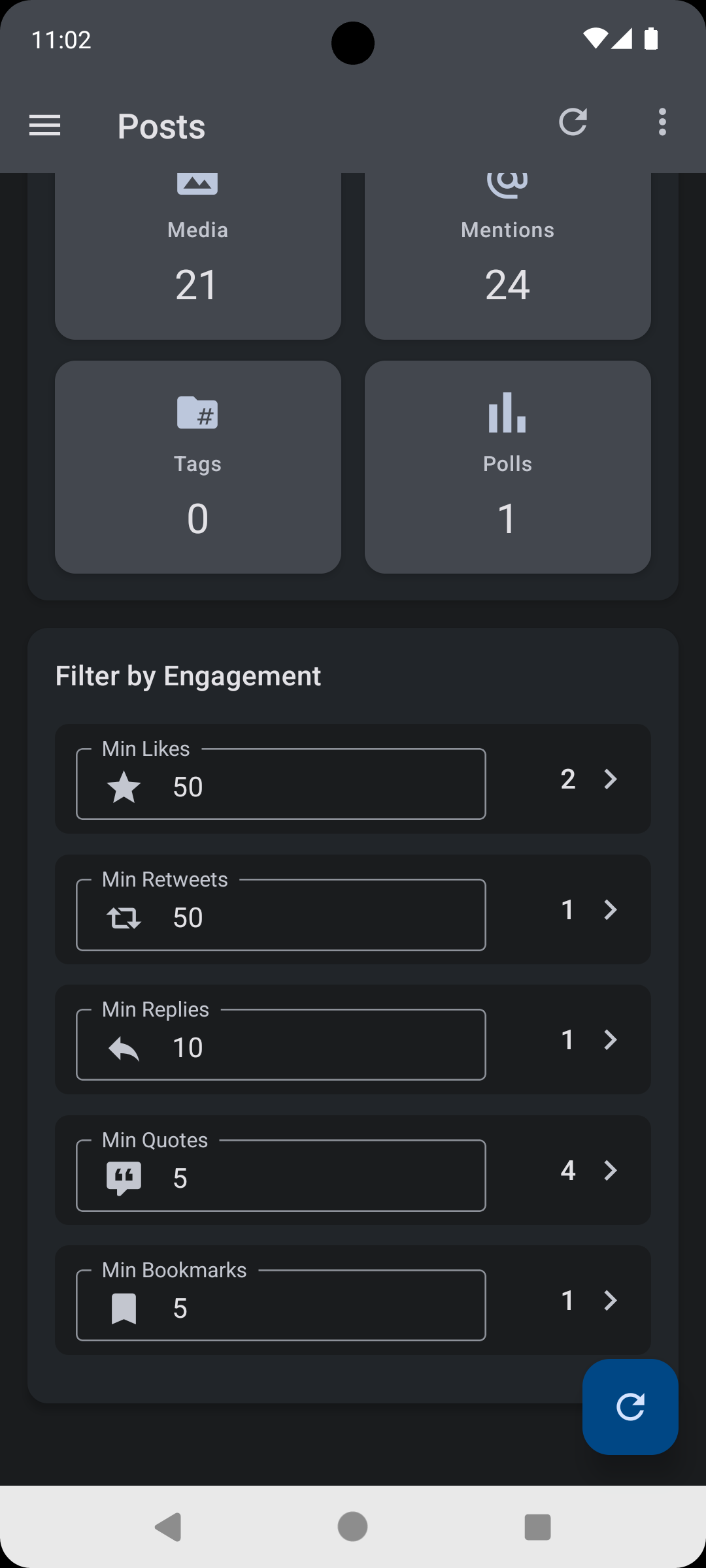
The app analyzes your posts by type (tweets, replies, retweets, quotes) and lets you filter by engagement metrics like likes, retweets, and replies to see your best performing content.
Available on iOS and Android