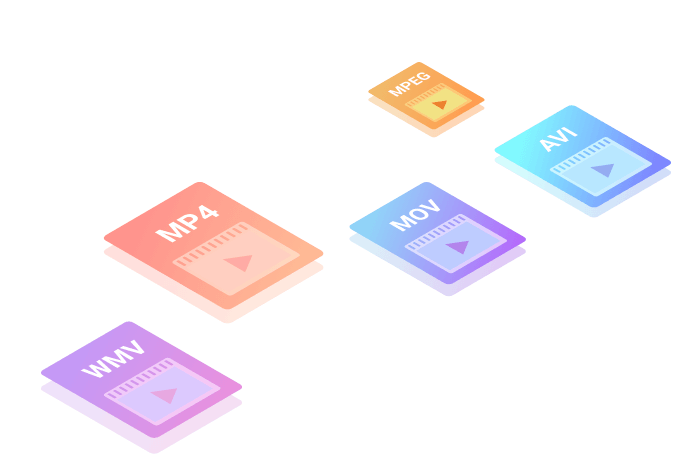
 1000+ formats supported
 30X faster conversion speed
 Up to 8k resolution supported
 100% quality preserved


Music Lovers
Who doesn't love music? Convert your favorite songs to any format to fit any of your audio devices. Or extract the tunes from a YouTube music video so that you can enjoy the track when you're away from the video platform.
The core bypass functions of this tool are available for free. Unlike competing services that charge per credit or require monthly subscriptions, samsungfrptoolv16 is accessible, making it an attractive option for repair shops and individual users alike.
: Supports a vast array of Samsung models, including the S-series, A-series, and M-series. How to Use the Tool
: Some versions (like ZeroKnox v1.6) function without the need for a smart card and target devices with Knox security enabled.
With the debut of Android 16, Samsung reinforced its Knox security framework and changed the behavior of traditional emergency dialer codes (such as *#0*# ). These security updates blocked conventional ADB (Android Debug Bridge) authorization triggers. samsungfrptoolv16 released exclusive
Previous versions failed when Samsung introduced "KG State: Prenormal" in download mode. v1.6 reportedly uses a timing-based DMA (Direct Memory Access) overflow that resets the RMM (Remote Mobile Management) state to "Prenormal to Checking" without triggering Knox eFuse. This means after bypass.
Close smart device suites like Samsung Smart Switch or iTunes. Safety, Compliance, and Best Practices
The Samsung FRP Tool v1.6 is an excellent solution for users who need to bypass FRP on their Samsung devices. With its user-friendly interface, support for multiple devices, and fast performance, this tool is a must-have for anyone facing FRP issues. Whether you're a tech enthusiast or a non-technical user, the Samsung FRP Tool v1.6 is a reliable and efficient solution that gets the job done. The core bypass functions of this tool are
The v1.6 update isn't just a minor patch; it’s a complete overhaul. Here is what’s new:
What of Samsung Galaxy device are you trying to unlock?
The serves as a direct countermeasure to these operating system upgrades. It leverages newly discovered exploits within MTP (Media Transfer Protocol) communication lines and COM port interfaces to restore administrative device control safely. Core Features of Samsung FRP Tool v16 How to Use the Tool : Some versions (like ZeroKnox v1
Unlike standard toolsets requiring complex manual button combinations, Version 1.6 utilizes a sophisticated ADB protocol. By tapping into the emergency dialer menu, the utility pushes a secure configuration file directly over an MTP connection, completely avoiding standard OS authentication prompts. 2. Upgraded Knox Security Override
Using FRP bypass tools carries inherent responsibilities. This software should only be deployed on devices you legally own or have explicit authorization to service. Always verify ownership before performing an FRP reset for a client. Ensure your computer remains connected to a stable power source throughout the flashing process to avoid bricking the device hardware. To help resolve your specific issue, please share:
: Ensure you have the latest Samsung USB Drivers installed so your computer can communicate with the phone.
: Supports a wide spectrum of Samsung Exynos, Snapdragon, and MediaTek chipsets. Technical Specifications & Requirements
The v1.6 update is marketed as an "exclusive" release due to its improved success rate with the latest Samsung security layers. Key features typically include: One-Click Bypass
A 4K video converter to convert video or audio files to 1000+ formats at 30X faster speed. With advanced conversion technology, it allows you to convert multiple video/audio files in batch with 1:1 or even higher quality.
The core bypass functions of this tool are available for free. Unlike competing services that charge per credit or require monthly subscriptions, samsungfrptoolv16 is accessible, making it an attractive option for repair shops and individual users alike.
: Supports a vast array of Samsung models, including the S-series, A-series, and M-series. How to Use the Tool
: Some versions (like ZeroKnox v1.6) function without the need for a smart card and target devices with Knox security enabled.
With the debut of Android 16, Samsung reinforced its Knox security framework and changed the behavior of traditional emergency dialer codes (such as *#0*# ). These security updates blocked conventional ADB (Android Debug Bridge) authorization triggers.
Previous versions failed when Samsung introduced "KG State: Prenormal" in download mode. v1.6 reportedly uses a timing-based DMA (Direct Memory Access) overflow that resets the RMM (Remote Mobile Management) state to "Prenormal to Checking" without triggering Knox eFuse. This means after bypass.
Close smart device suites like Samsung Smart Switch or iTunes. Safety, Compliance, and Best Practices
The Samsung FRP Tool v1.6 is an excellent solution for users who need to bypass FRP on their Samsung devices. With its user-friendly interface, support for multiple devices, and fast performance, this tool is a must-have for anyone facing FRP issues. Whether you're a tech enthusiast or a non-technical user, the Samsung FRP Tool v1.6 is a reliable and efficient solution that gets the job done.
The v1.6 update isn't just a minor patch; it’s a complete overhaul. Here is what’s new:
What of Samsung Galaxy device are you trying to unlock?
The serves as a direct countermeasure to these operating system upgrades. It leverages newly discovered exploits within MTP (Media Transfer Protocol) communication lines and COM port interfaces to restore administrative device control safely. Core Features of Samsung FRP Tool v16
Unlike standard toolsets requiring complex manual button combinations, Version 1.6 utilizes a sophisticated ADB protocol. By tapping into the emergency dialer menu, the utility pushes a secure configuration file directly over an MTP connection, completely avoiding standard OS authentication prompts. 2. Upgraded Knox Security Override
Using FRP bypass tools carries inherent responsibilities. This software should only be deployed on devices you legally own or have explicit authorization to service. Always verify ownership before performing an FRP reset for a client. Ensure your computer remains connected to a stable power source throughout the flashing process to avoid bricking the device hardware. To help resolve your specific issue, please share:
: Ensure you have the latest Samsung USB Drivers installed so your computer can communicate with the phone.
: Supports a wide spectrum of Samsung Exynos, Snapdragon, and MediaTek chipsets. Technical Specifications & Requirements
The v1.6 update is marketed as an "exclusive" release due to its improved success rate with the latest Samsung security layers. Key features typically include: One-Click Bypass
30X Faster
Media Conversion Speed with Flawless Quality
This free video converter makes 8k/5k/4k/HD video conversion a piece of cake. By decoding and encoding videos with advanced conversion technology, it enables flawless video conversion - the converted videos can maintain 1:1 or get higher quality than the original files. In addition, it can also convert multiple video files simultaneously to save your time and efforts.
With GPU acceleration and high-speed conversion available, the video conversion can be 30X faster than usual.
This HD video converter enables you to convert any media to video in HD, 2K and up to 4K resolution with no quality loss.
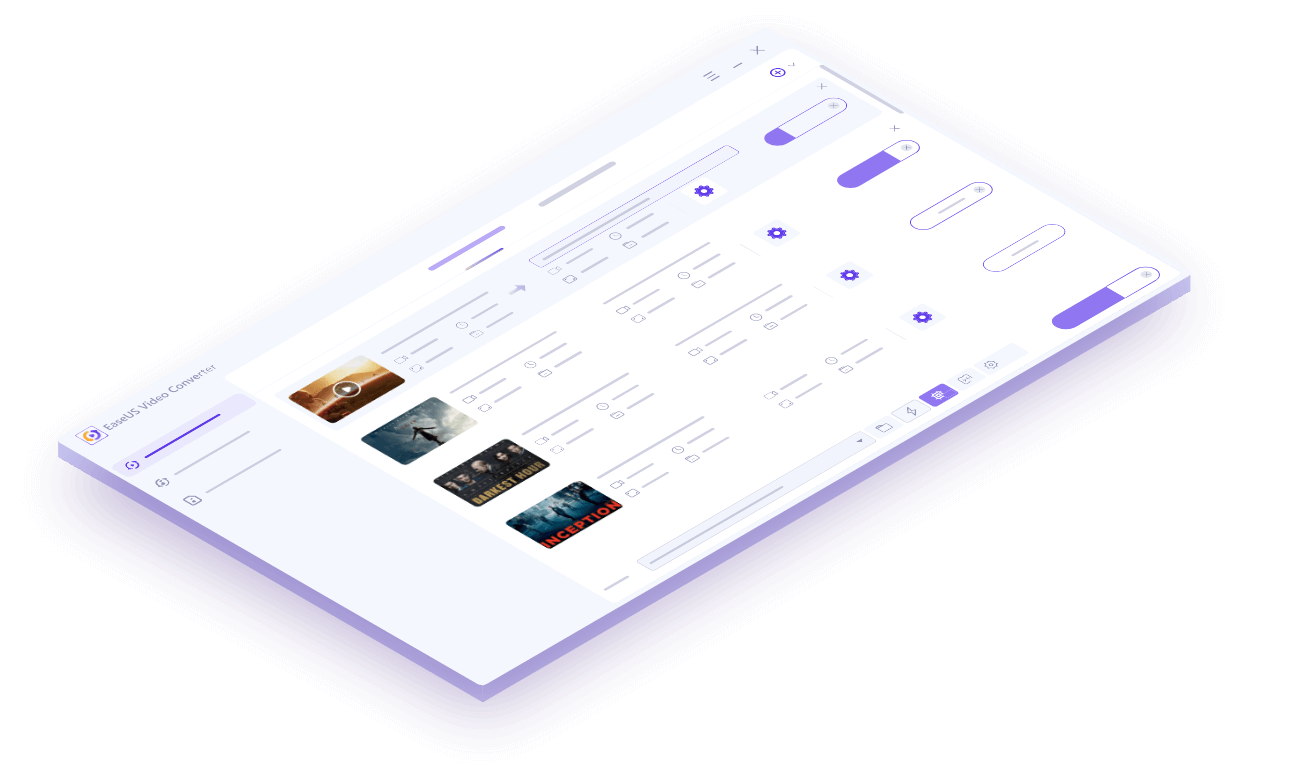
This media converter can convert multiple videos and audio in bulk. Just add files, set output format and quality, then wait for the conversions to be done.
With a clean and straightforward interface, this YouTube video converter is super easy for anyone to use.
Combine all the selected video and audio clips into a single file to make your fantastic video/audio masterpiece.
Equipped with a built-in player, this video converter enables you to preview your original or converted file anytime.
This media converter can convert 1000+ video and audio files from any devices including cameras, mobile phones, media players, TVs, tablets, etc. Thus, any media lovers can use it to transfer any media to play on any devices or share on any social platforms.
Who doesn't love music? Convert your favorite songs to any format to fit any of your audio devices. Or extract the tunes from a YouTube music video so that you can enjoy the track when you're away from the video platform.
A video producer might handle tons of video footage daily. This tool offers great help for pre-editing. Use it to extract desired audio or sound effects, like rainfall, thunder, gunshot and more from movies and video clips. You can also merge video clips, convert video formats and more.
Fan-made videos are popular. Collect video clips that contain your beloved people or thing and merge & save them to a large video file. Or remix different video clips, music or live show recordings to create a new story that might go viral on social media.
Convert your proud video footage from GoPro, DJI, or other HD cameras to any commonly used video format for further editing, uploading or sharing.
An easy and smart video editing software for anyone to make stunning videos with no editing skills required.
Download video and audio files from over 1000 websites for offline watching or listening.


 EaseUS Video Editor
 EaseUS Video Downloader