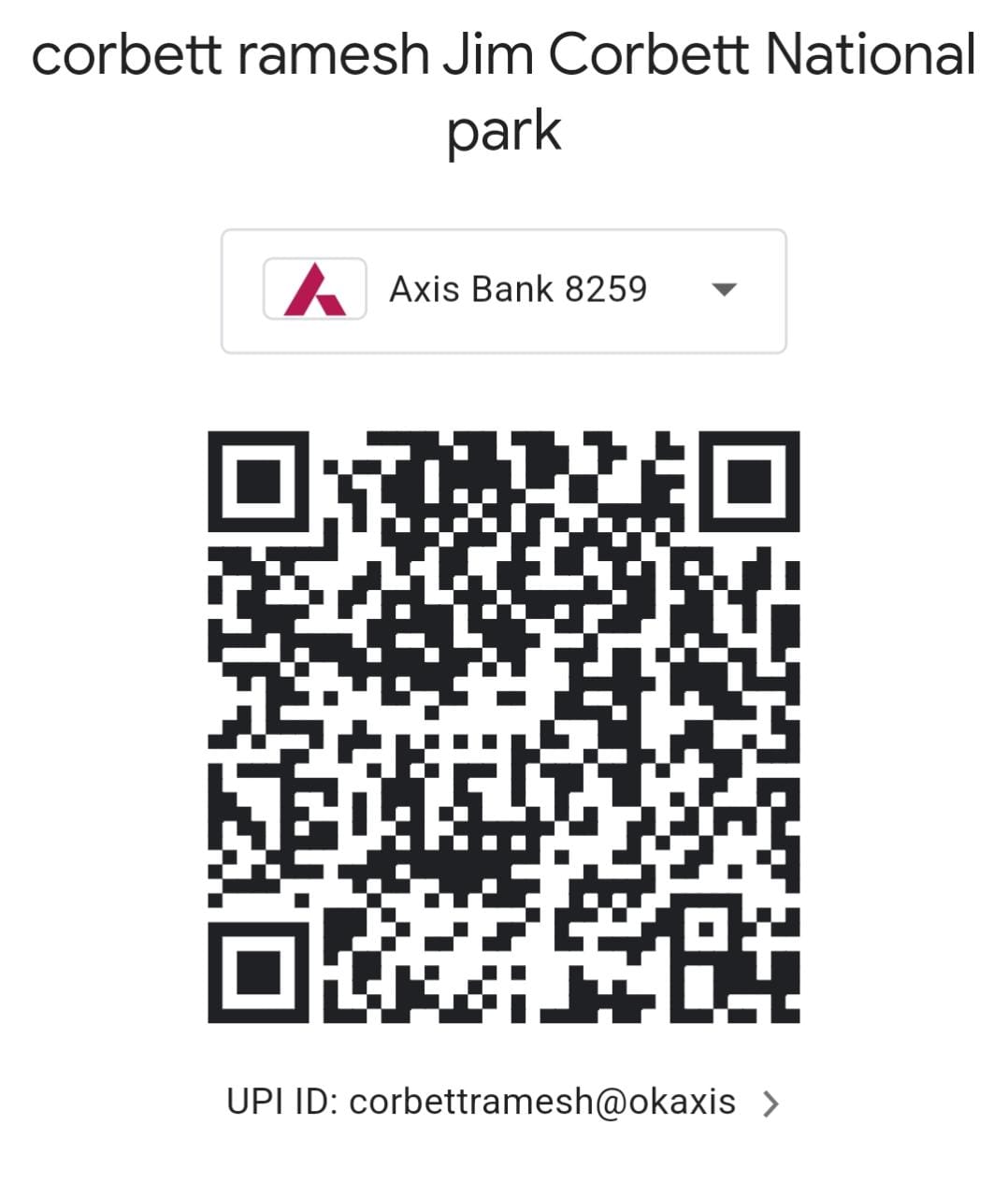



The Travel season is an experienced travel management company. We work with you to manage all elements of your travel in an efficient, cost effective and eithical manner.
The travel season is committed to making a difference in the destination that its clients travel to, whether on business on holiday or on a study tour.
With office in Jim Corbett Uttarakhand, the company is focused on managing the travel spend up to minimum.
Technocare Tricks Apk 7.1.1 is a popular utility tool primarily used by Android users to bypass . This security feature, implemented by Google, normally prevents unauthorized access to a device after a factory reset unless the original Google account credentials are provided. Key Features & Usage
Go to your Apps settings, ensure Google Play Services is fully disabled, and try adding the account again.
The application typically does not require a user account or registration to function. Device Compatibility:
: Modifying system-level settings and disabling Google Play Services can lead to system instability or "bricking" if not done correctly. Where to Find It
Enter your functioning, email and password. Sign in successfully. Step 6: Re-enable Services and Restart Once the account is added, go back to Settings > Apps . Find Google Play Services and Enable it again. Technocare Tricks Apk 7.1.1 Download
: This tool should only be used on devices you own or have explicit permission to unlock.
If Technocare Tricks APK doesn’t work for your device or you prefer more reliable options, consider these alternatives:
If you’ve ever found yourself locked out of your Android device due to a forgotten Google password, you know how frustrating the Factory Reset Protection (FRP) lock can be. has become a popular "go-to" utility for users looking to bypass these security hurdles on older Android versions.
Once you have opened the Google Chrome browser on the locked phone, search for a trusted APK hosting site. Download two specific files: Technocare Tricks Apk 7
Users frequently report these problems post-download:
Log in with any that you have full access to. Step 7: Re-enable Services and Restart
Select from the list. (You will notice the login screen looks slightly older; this means Technocare is working).
Install the application. Once finished, tap (do not try to open it). Go back to Settings > Accounts > Add Account . Select Google from the list. The application typically does not require a user
Unlike legitimate apps on the Google Play Store that focus on customer service, IT repairs, or health tracking, the Technocare Tricks APK is a third-party, specialized tool for unlocking Android devices. Its primary and most valued function is to lock.
This usually means the device architecture or Android version is incompatible with this specific build. Ensure your phone is running Android 8.0 or lower.
Turn on your locked phone and connect it to a stable . Go back to the Welcome screen.
Your time is important. When you choose The Travel Season, we dedicate time to organising a first-rate experience using our regional knowledge, so you can spend your own time however you please. And once you are travelling, Each day of your personalised itinerary is set up to be memorable.
Qulity, Trust, Ethical, Creativity, Efficiency. Communication. Having clearly stated and promoted values within our organisation
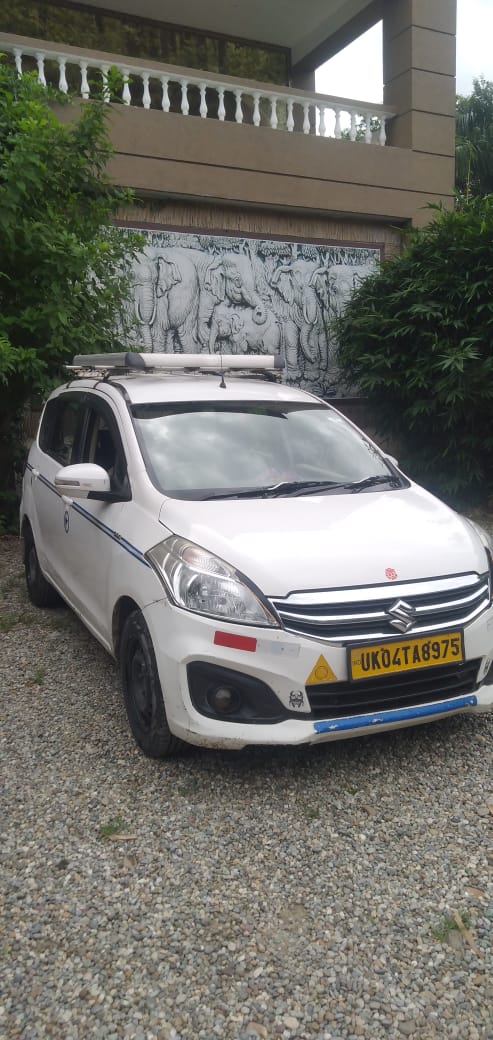
LOCAL SIGHT SEEN , UTTARAKHAND TOUR 24*7
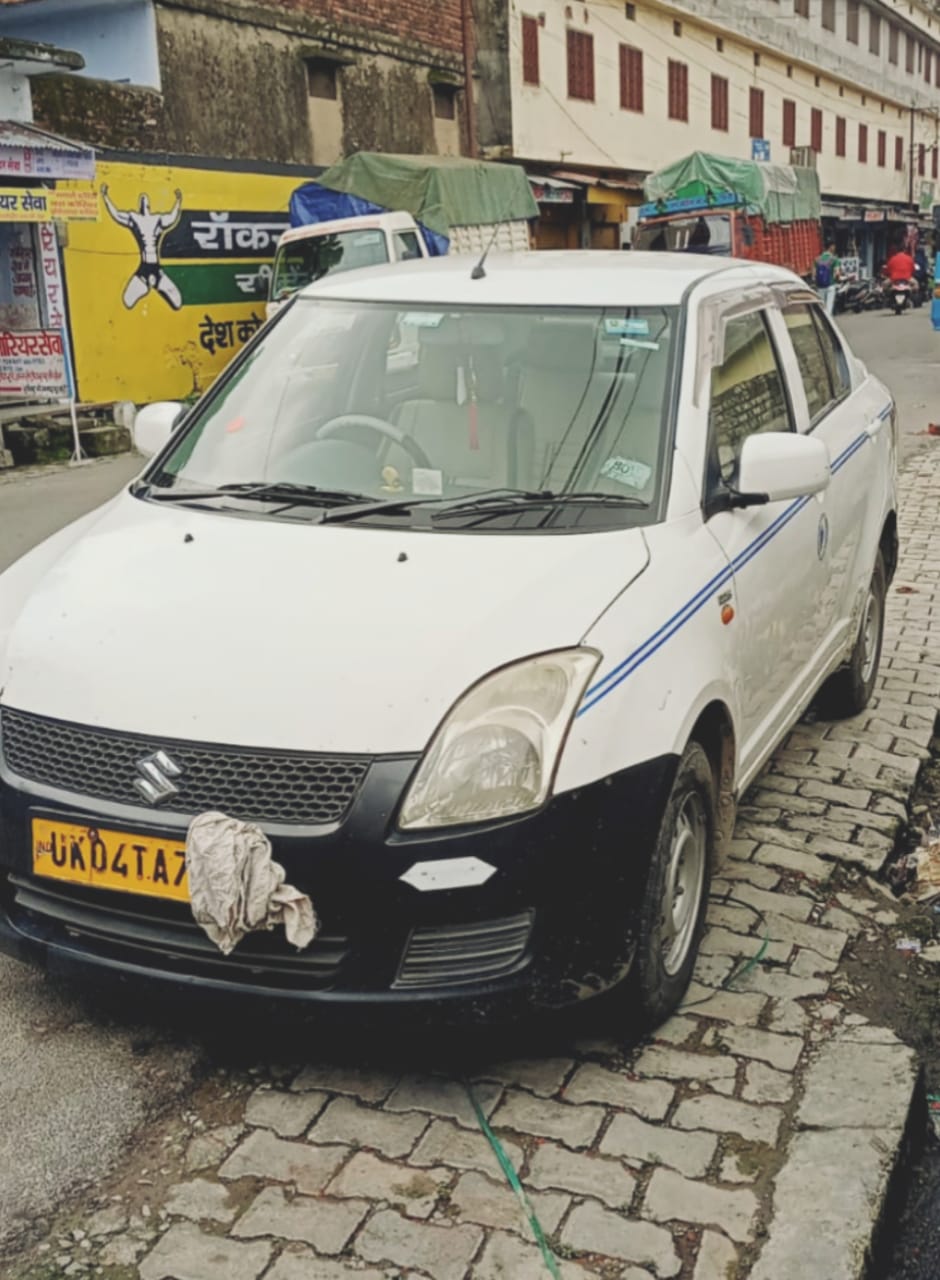
LOCAL SIGHT SEEN , UTTARAKHAND TOUR 24*7
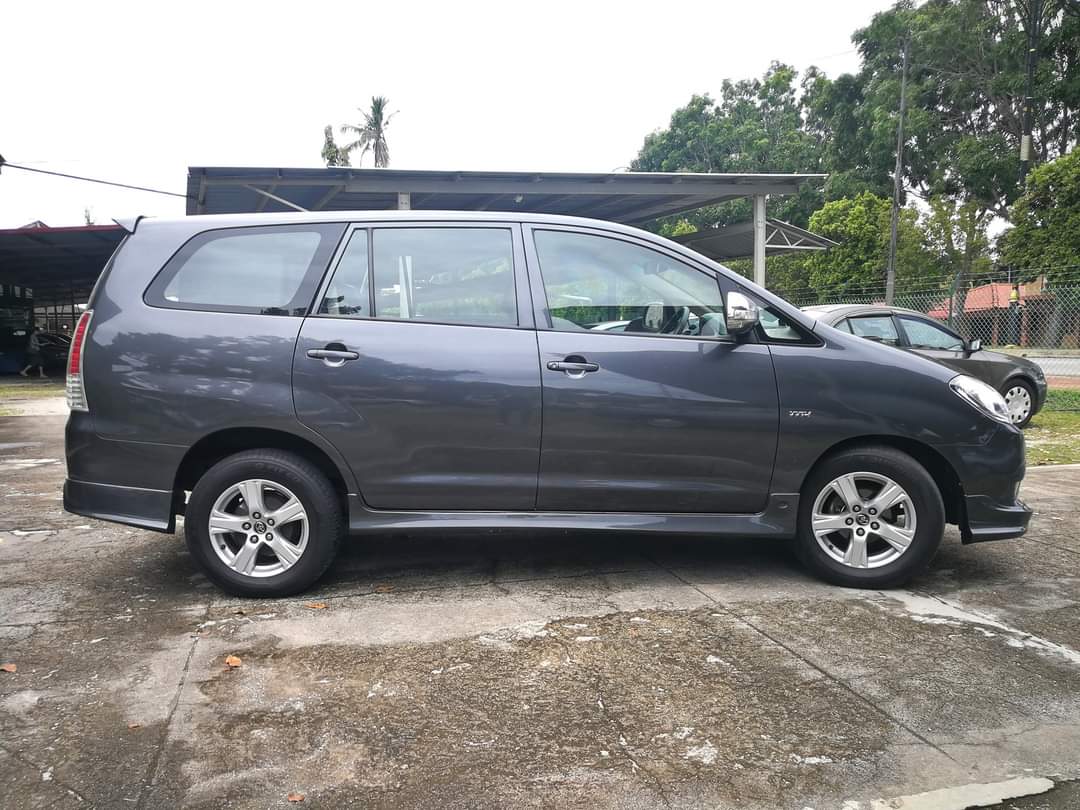
LOCAL SIGHT SEEN , UTTARAKHAND TOUR 24*7
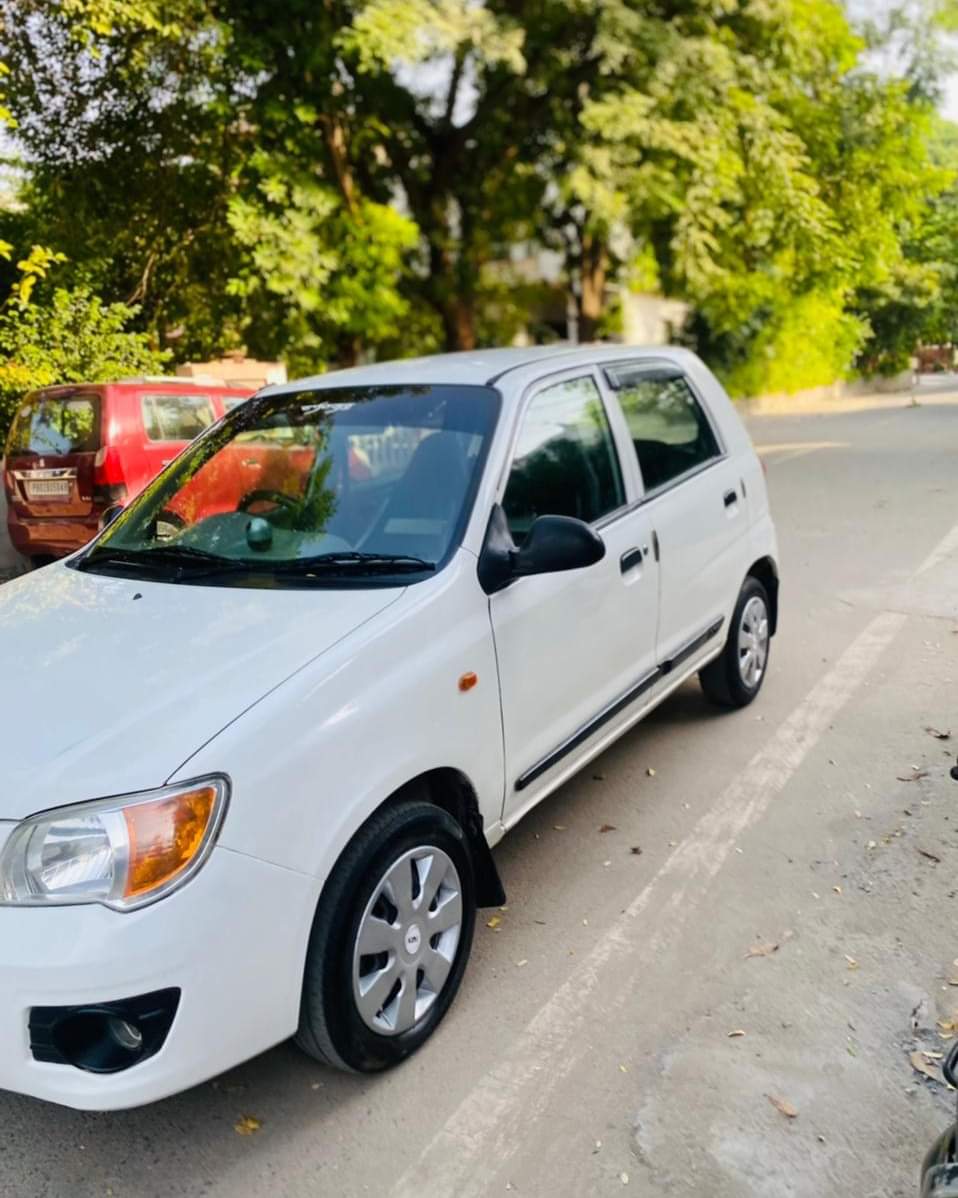
LOCAL SIGHT SEEN , UTTARAKHAND TOUR 24*7